
Download Solar Walk – 3D Solar System Model, Explore Space in 3D
Solar Walk brings the entire Solar System to your fingertips in a beautifully rendered, true‑to‑scale 3D model that works on iPhone, iPad and Mac. The app lets you glide from the scorching surface of Mercury to the icy realms of the Kuiper Belt, zoom out to view the Milky Way Galaxy, and even explore detailed points of interest on Earth, the Moon, Mars and Venus. With a sleek, touch‑friendly interface, Solar Walk is designed for curious minds of every age—students, teachers, amateur astronomers, and anyone who loves to stare at the night sky.
The latest update expands the experience beyond the planets, adding a galaxy‑wide view, educational videos, the ten most fascinating artificial satellites orbiting Earth, and major world cities rendered on a globe. While some dwarf planets, minor moons and asteroid belts are still missing, the level of detail delivered on the supported devices is superb. Solar Walk is a free, secure download that receives regular updates, ensuring that the data stays current with the latest NASA discoveries.
Whether you want to compare planet sizes, explore the orbits of the International Space Station, or simply enjoy a visually stunning tour of space, Solar Walk makes learning an adventure.
Key Features & Educational Content
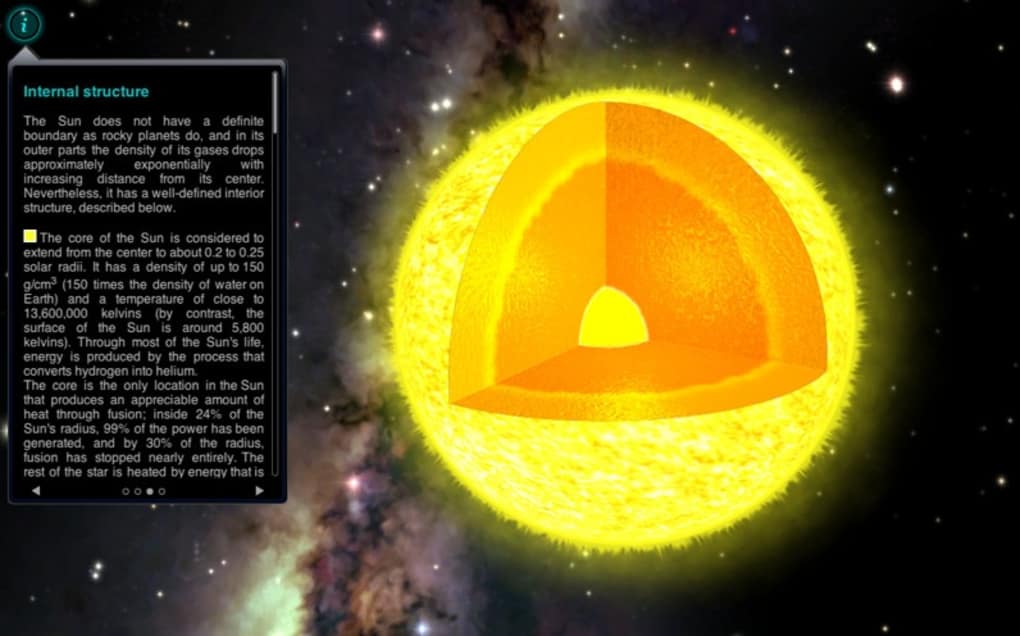
- Fully scaled 3D model of the Sun, eight planets, Pluto and major moons.
- Galaxy view that lets you navigate the Milky Way and locate nearby star systems.
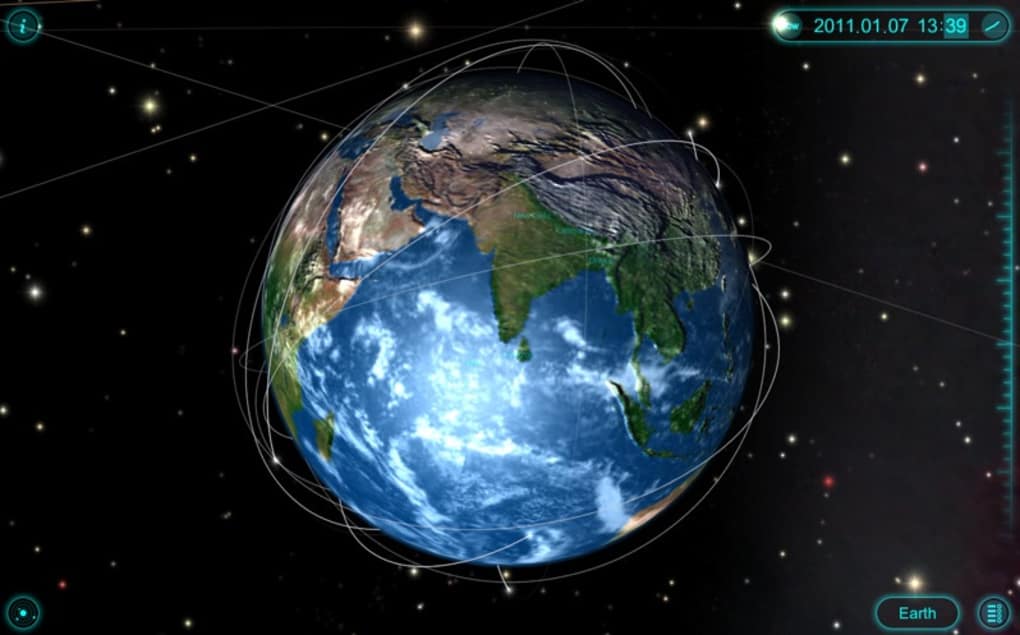
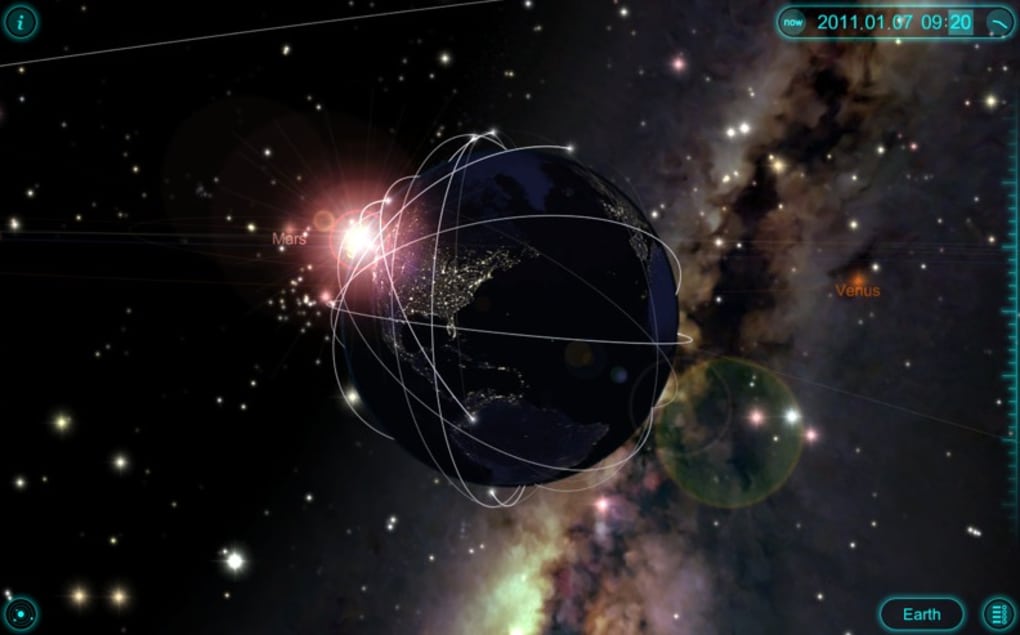
- Interactive Earth globe showing the world’s largest cities and geographic landmarks.
- Ten highlighted artificial satellites, including the ISS, with real‑time orbital data.
- High‑resolution textures for Mars, Venus, and the Moon with selectable points of interest.
- Embedded educational videos that explain planetary science, orbital mechanics and space missions.
- Touch‑based navigation: pinch to zoom, swipe to rotate, tap to reveal detailed fact sheets.
- Regular data updates sourced from NASA, ESA and other space agencies.
- Offline mode so you can explore the cosmos without an internet connection.
- Customizable background star fields and lighting conditions for a personalized experience.
Installation, Usage & Compatibility
Getting Solar Walk up and running is straightforward. Open the App Store on your iPhone, iPad, or Mac, search for “Solar Walk – 3D Solar System Model,” and tap “Get.” The download size is roughly 150 MB, and the app requires iOS 13.0 or later, iPadOS 13.0 or later, and macOS 10.15 (Catalina) or newer. For Android users, the app is also available on the Google Play Store with comparable system requirements (Android 8.0 Oreo or later). Once installed, launch the app and grant permission to access your device’s motion sensors—this enables the intuitive tilt‑to‑navigate feature on mobile devices.
When you first open Solar Walk, you’ll see a simplified view of the Sun at the center of the screen. Use a two‑finger pinch gesture to zoom out and reveal the planetary orbits. Swiping left or right rotates the system, while a single tap on any planet opens a fact sheet containing size, mass, orbital period, composition, and recent mission highlights. The navigation bar at the bottom provides quick shortcuts to the Earth globe, galaxy view, and the educational video library.
On macOS, navigation relies on the trackpad or mouse: scroll to zoom, click‑and‑drag to rotate, and double‑click a body for detailed information. Keyboard shortcuts are also available (e.g., ⌘ + ←/→ to cycle through planets). The app automatically detects the device orientation and adjusts the UI for portrait or landscape mode, ensuring a seamless experience whether you’re using an iPhone in your pocket or a 27‑inch iMac on a desk.
Pros, Cons, Frequently Asked Questions & Conclusion
Pros
- Stunning, true‑to‑scale 3D graphics that make space feel tangible.
- Comprehensive educational content, including videos and up‑to‑date data.
- Cross‑platform availability for iOS, iPadOS, macOS and Android.
- Offline mode allows exploration without internet connectivity.
- Regular updates keep the information current with the latest discoveries.
Cons
- Some dwarf planets, minor moons and asteroid belts are still missing.
- Higher‑resolution textures increase download size and may affect older devices.
- Galaxy view can feel less detailed compared to the planetary close‑up mode.
- Limited interactivity on some celestial objects (e.g., certain distant stars are not clickable).
Frequently Asked Questions
Is Solar Walk free to download?
Yes, the core version of Solar Walk is free. In‑app purchases are available for additional content packs, such as deeper galaxy explorations or premium educational videos.
Can I use Solar Walk without an internet connection?
Absolutely. Once the app and its data files are downloaded, all 3D models and fact sheets are stored locally, so you can explore the Solar System offline.
What devices are supported?
Solar Walk runs on iPhone, iPad, Mac (macOS 10.15+), and Android phones/tablets (Android 8.0+). The interface adapts to each platform’s screen size and input methods.
How often is the data updated?
The development team releases updates roughly every 3–4 months, incorporating the latest planetary measurements, mission results, and satellite orbital data from NASA and ESA.
Is there a way to compare planet sizes side by side?
Yes. In the “Planet Comparison” mode you can select up to three bodies and view them simultaneously at a uniform scale, making size differences instantly apparent.
Conclusion & Call to Action
Solar Walk stands out as one of the most visually engaging and educational astronomy apps on the market. Its high‑resolution 3D models, comprehensive fact sheets, and easy‑to‑navigate interface make it an excellent tool for students, teachers, and space enthusiasts alike. While the app could benefit from adding more dwarf planets and deep‑space objects, the current feature set already delivers a rich, immersive experience that sparks curiosity about our place in the cosmos. If you’re looking for a secure, free download that combines stunning visuals with accurate, up‑to‑date scientific information, Solar Walk is a top choice.
Ready to start your interstellar journey? Download Solar Walk now on the App Store or Google Play, and explore the universe from the palm of your hand. Keep your app updated to enjoy the latest features and data releases—your next cosmic adventure is just a tap away.
Solar Walk delivers an impressive blend of visual fidelity and educational depth. The 3D navigation feels natural on both mobile and desktop, and the inclusion of real‑time satellite tracking adds a modern touch. Minor gaps in dwarf‑planet coverage are outweighed by the overall experience, making it a must‑have for anyone curious about astronomy.






